
Replace a Jotform registration form one workflow at a time
Separate the form people answer from everything that happens afterwards. A workshop registration might collect a name and session choice, take payment, notify an organizer, and produce a document. Moving only the questions leaves most of that workflow unresolved.
- Registration without payment: try a registration form template and check each session branch.
- Paid registration: compare the payment processor and allowance as well as the subscription. Jotform lists payment and submission limits separately; Youform payments require Pro.
- Approval or document steps: record the approvers, notifications, and generated files. Rebuilding a form does not automatically replace those services.
For a simpler conversational alternative, compare Typeform and Youform. If the repeating items or workflow matter more than presentation, read the Cognito Forms comparison before deciding.
Scenario guidance reviewed 13 September 2026. Product sources are linked above; the plan comparison retains its own review date.
Compare the editors with a real form
Rebuild one representative form in both editors. Compare how you add questions, change their order, mark them required, and preview the respondent’s experience. A quick contact form and a complex intake workflow may lead to different preferences.
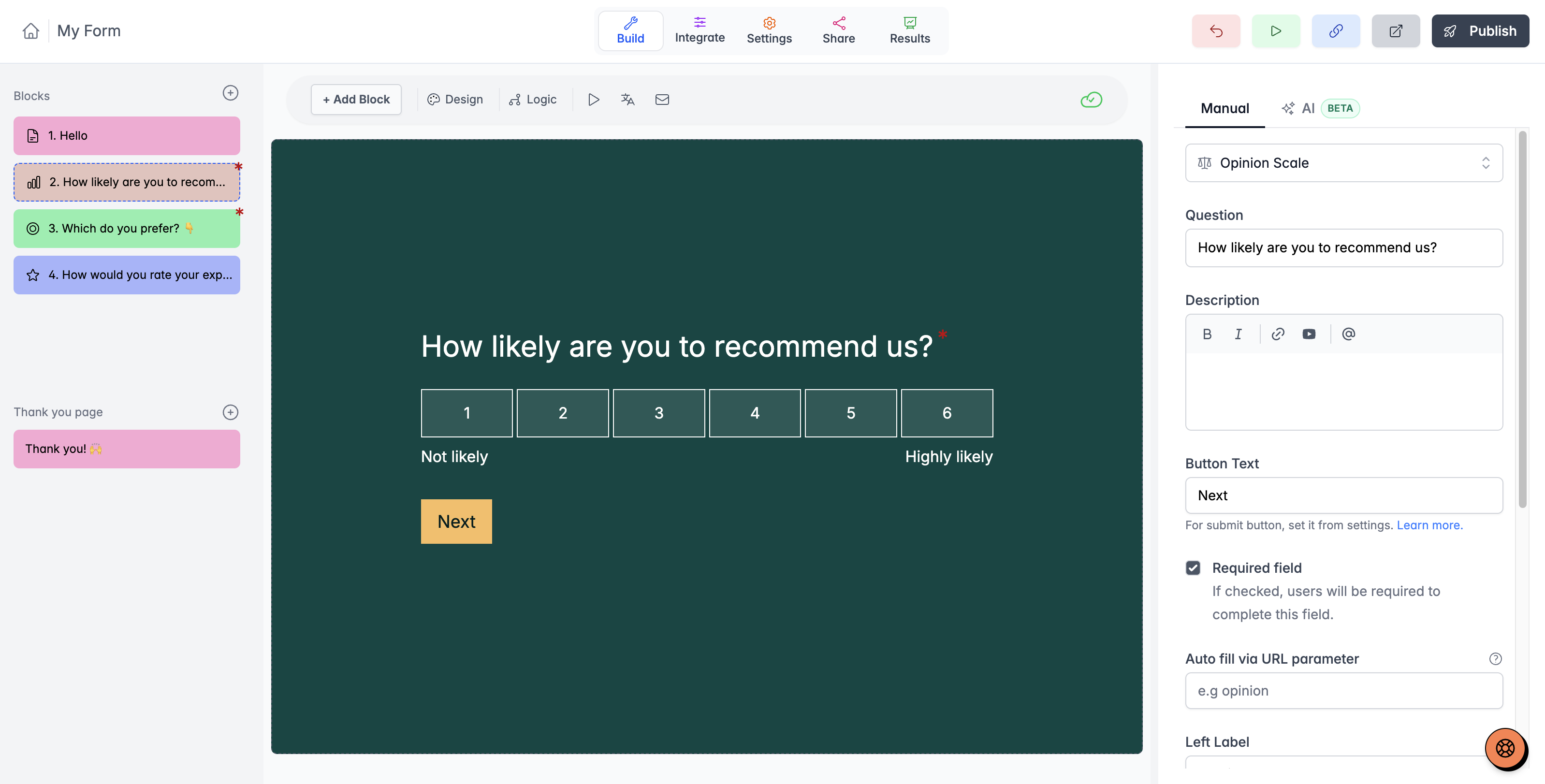
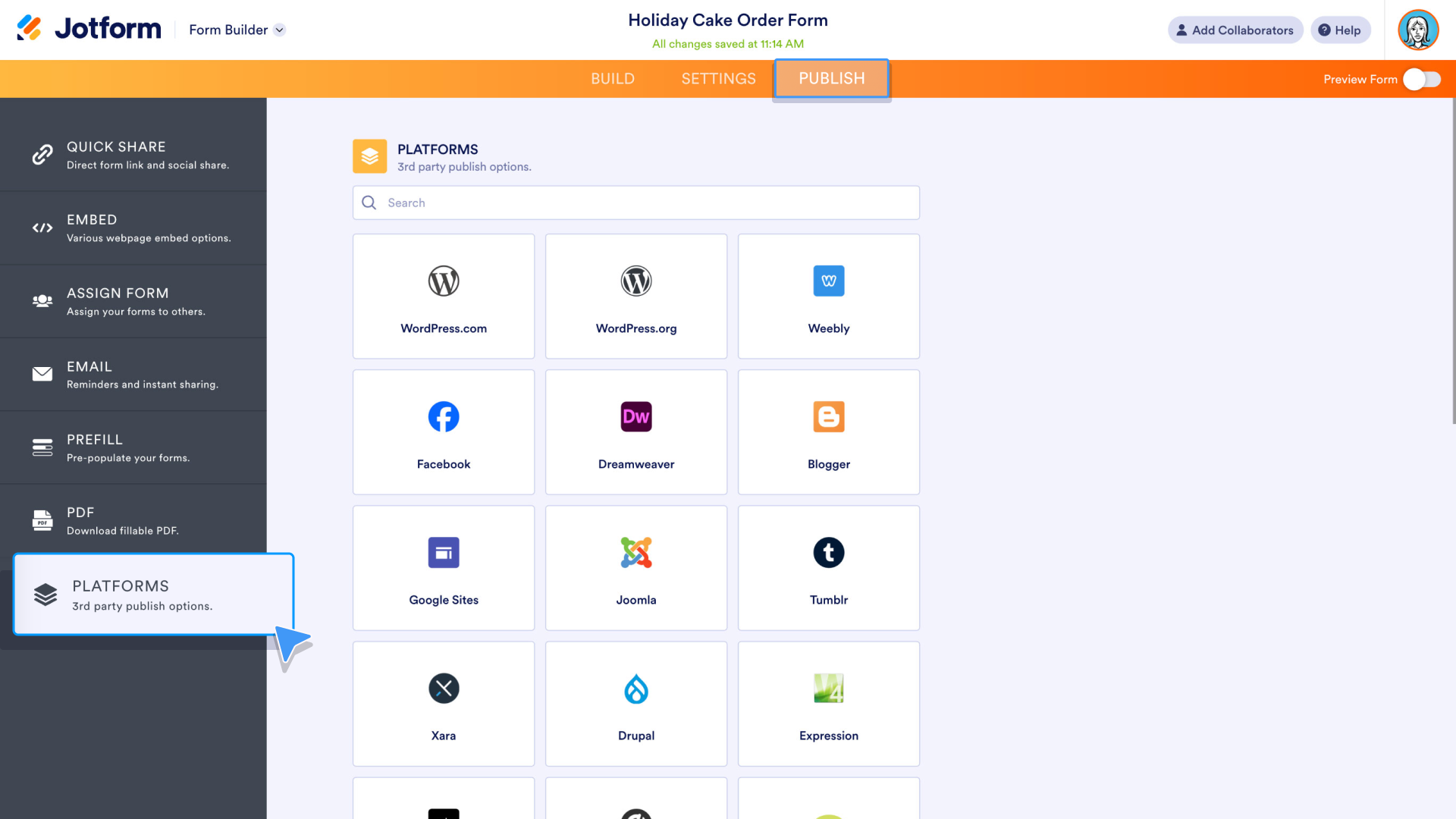
These product screenshots illustrate the editing approaches. Check the current editor against the specific layout, logic, and workflow you need.
Design, logic, and the work after submission
Start with the published form: question layout, phone behavior, typography, images, and the ending. Then follow the answer into the systems your team uses. A polished questionnaire is only useful if its data reaches the right place.
Youform includes logic and calculations on Free, with Pro options for your logo, custom domains, payments, partial submissions, and advanced analytics. The comparison table above links the other product’s current plan documentation.
- Check compound rules and calculated values using realistic answer combinations.
- Confirm whether the destination app has a direct connection or needs an automation service.
- Map names, dates, choices, and uploaded files explicitly.
- Review exports, notification recipients, and report-sharing permissions.
- Check any approval, document, or database workflow your current process depends on.
Common workflows to compare
- SaaS onboarding: collect role and goals, then route the answers to the onboarding process.
- Event registrations: collect attendee details, choices, and optional payment with the appropriate plan.
- Customer feedback: ask a rating and the reason behind it, then route themes to a team.
- Payment and lead capture: distinguish a lead from a paid order and check the handoff to fulfilment.
Jotform also has document, approval, and app workflows. If those are central to your process, review them as part of the switch rather than comparing only the questionnaire. See Jotform’s product family.


