
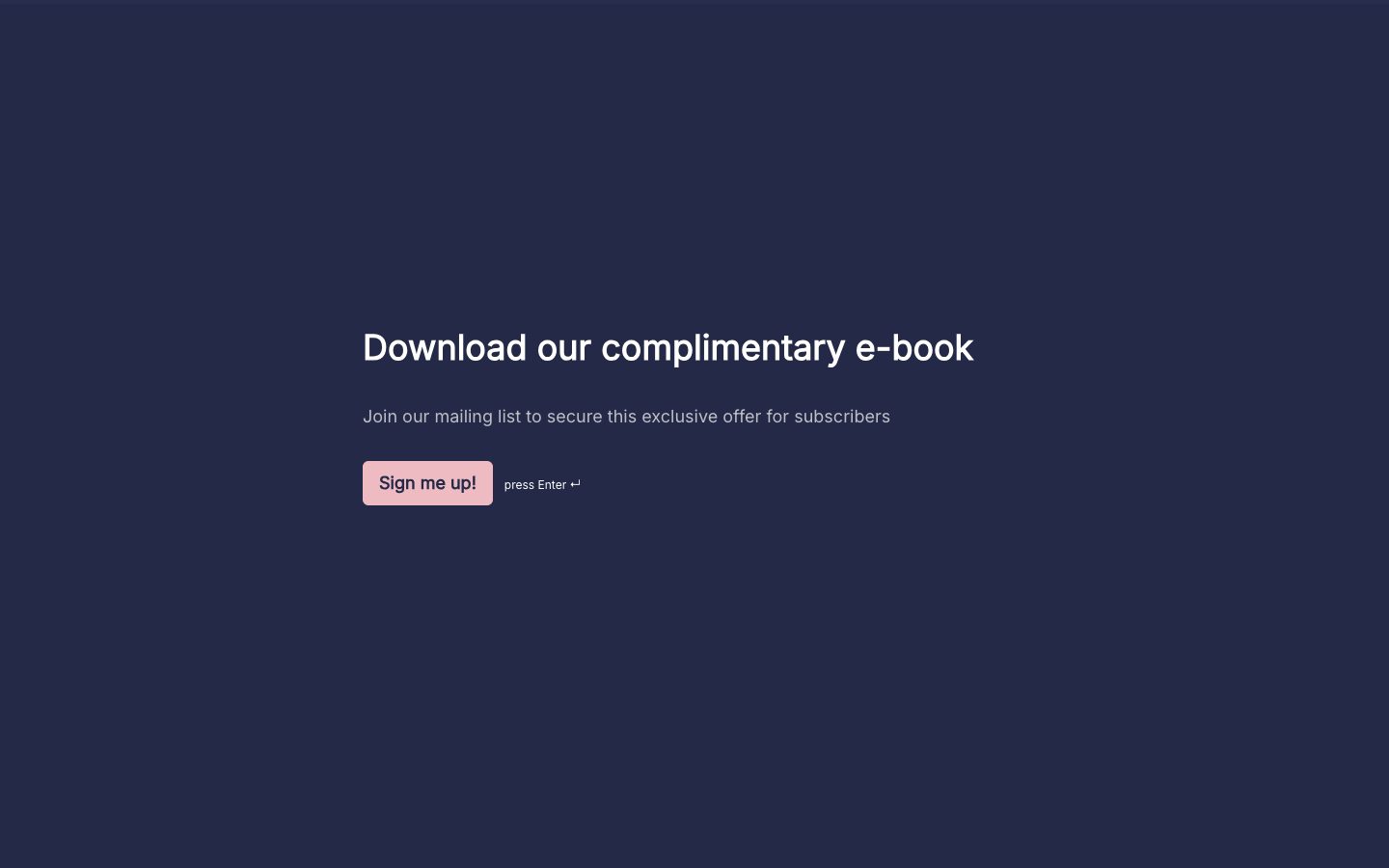
A READY-TO-MAKE-YOURS QUIZ

Lead generation quiz template

Make lead collection useful to the visitor with this lead generation quiz template. Ask questions that help identify a need, then offer a relevant result and a clear optional next step.

Read the template guide
Use this template Free to customize. No code needed.

THE REAL THING. GO AHEAD, TRY IT.

Open in a new tab

A LITTLE GUIDANCE

Make the most
of your next ask.

Plan your quiz questions and outcomes

Use these prompts to plan the questions, answer choices, or results in your own quiz.

  • What are you hoping to achieve?
  • Which situation best describes your current need?
  • What result or information would help you take the next step?

Before you share this quiz

Write helpful outcomes before adding a contact request. Explain what follow-up people can expect, and test the questions and result rules before promoting the quiz.

How to customize and share this template

  1. Decide what useful result the participant will receive and how it relates to the offer you want to discuss afterward.
  2. Edit the questions and configure clear outcomes. Place contact questions where they make sense, and explain what follow-up the person is requesting.
  3. Test the result rules and the connection that receives the lead. Keep the follow-up relevant to the answers instead of treating every result the same.

Make it yours with Youform

Build a useful quiz experience

Customize questions and appearance around a topic your audience cares about, with a result that explains the next step.

Tailor the result

Use calculations, conditional logic, and different endings to connect the participant's answers with an appropriate outcome.

Connect the follow-up

Send responses to Google Sheets or connect your campaign workflow through Zapier. Review field mapping and consent handling before sharing.

Start free with unlimited forms and responses, subject to fair use. See Youform plans and features for the details.

Frequently asked questions

Should a lead generation quiz require an email before showing a result?
That is a choice for your offer, but make it clear upfront. A contact request should have a clear purpose and should not surprise someone after they finish the quiz.
Can I customize this quiz template?
Yes. Choose Use this template to make your own copy in Youform. Edit the questions and colors, review the whole flow, then share a link or embed it on your website. See Youform plans for advanced features.
Should people give an email address before seeing a result?
Choose a flow that matches the offer and explain it before they begin. Collecting an email can support a requested follow-up, but the quiz should still give the participant something useful for the time they spend answering.
Does a quiz result prove that someone is ready to buy?
No. It gives you context about the answers they chose. Use that context to start a relevant conversation and let further discussion establish fit, timing, and interest.

YOUR WORDS. YOUR COLORS. YOUR NEXT GOOD THING.

A starting point.
Make it your own.

Pick a template, add your personal touch, and put it out into the world.

Create your free form