
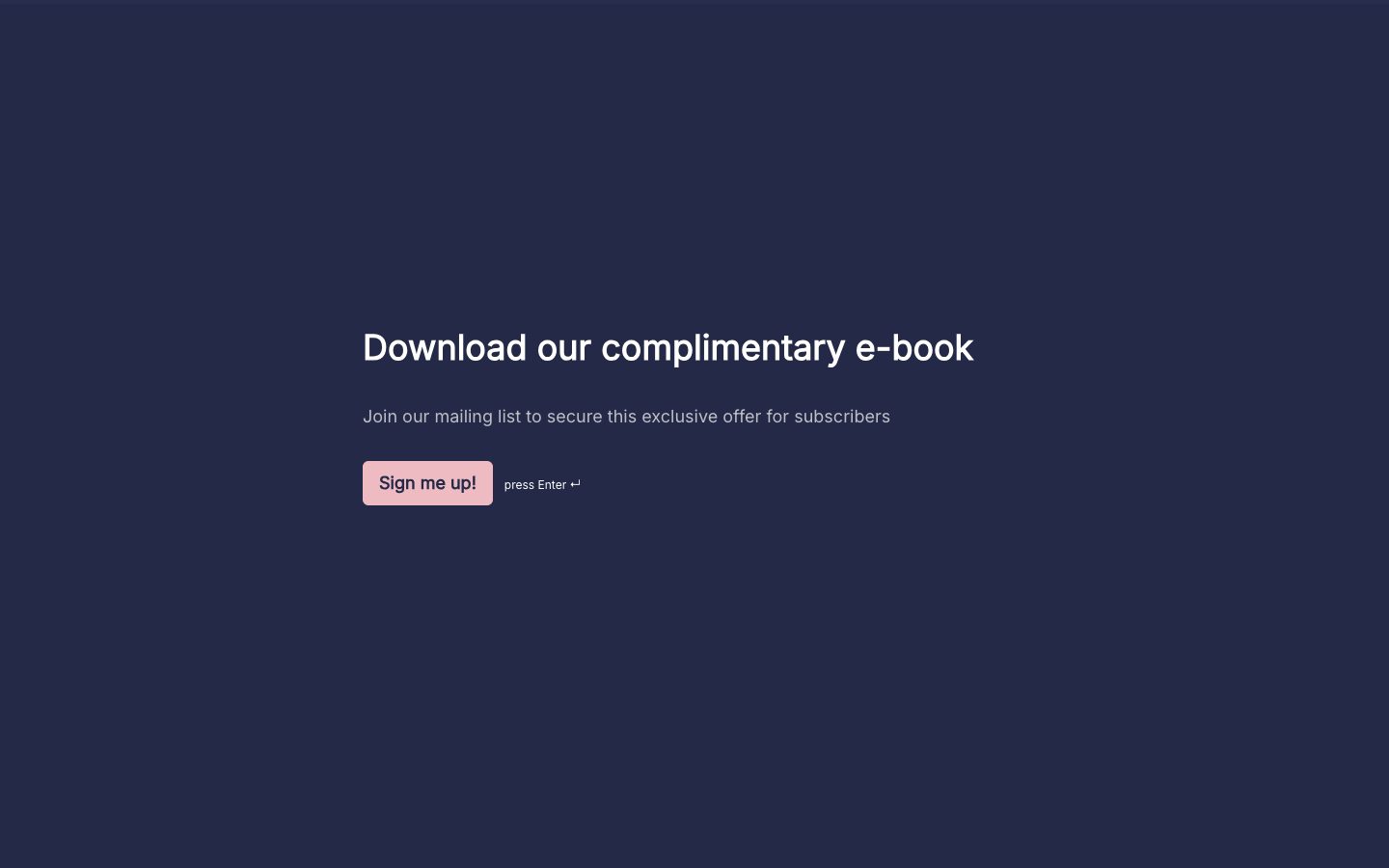
A READY-TO-MAKE-YOURS FORM

Customer lead form template

Turn an interested visitor into a conversation with this customer lead form template. Collect a reply address and a short description of the person's needs so your sales team can follow up with context.

Read the template guide
Use this template Free to customize. No code needed.

THE REAL THING. GO AHEAD, TRY IT.

Open in a new tab

A LITTLE GUIDANCE

Make the most
of your next ask.

Questions to consider for your customer lead form

Use these questions as suggestions when editing your copy. Keep the ones that fit your purpose and add any details your process needs.

  • What would you like help with?
  • What is the best email address for a reply?
  • When are you hoping to get started?

How to use the responses

Group leads by need and urgency, then assign a person to reply. Keep the first form short and gather detailed requirements once the prospect is ready to discuss them.

How to customize and share this template

  1. Match the welcome message to the offer or page that brought the visitor to your form.
  2. Ask for the contact details needed for follow-up and one useful question about the visitor's interest. Add deeper qualification only when it changes the next step.
  3. Choose where new leads should arrive, assign someone to follow up, and test the form before linking it from a campaign.

Make it yours with Youform

Fit the campaign

Change questions, colors, and fonts to match the offer. Share one direct link or embed the form on its landing page.

Carry campaign context

Use hidden fields to pass known campaign details through the form link, and answer recall to make later questions more personal.

Start the follow-up

Send responses to Google Sheets or connect another tool through Zapier. Map the fields and test the handoff before the campaign starts.

Start free with unlimited forms and responses, subject to fair use. See Youform plans and features for the details.

Frequently asked questions

How much information should I ask a new lead for?
Start with contact details and one useful question about their needs. Add budget or timing questions only when they help your team provide a relevant response.
Can I customize this form template?
Yes. Choose Use this template to make your own copy in Youform. Edit the questions and colors, review the whole flow, then share a link or embed it on your website. See Youform plans for advanced features.
How much information should a lead form collect?
Start with what you need to deliver the offer or send a useful reply. A contact address and a clear need may be enough for first contact. Budget, timing, and detailed requirements can come later unless they determine who can help.
Does submitting the form automatically add someone to a mailing list?
Only if you configure that connection. Explain any marketing follow-up clearly, connect the appropriate tool, and test the fields and consent handling in that workflow.

YOUR WORDS. YOUR COLORS. YOUR NEXT GOOD THING.

A starting point.
Make it your own.

Pick a template, add your personal touch, and put it out into the world.

Create your free form