


Youform suits a question-by-question intake; Tally suits people who prefer writing forms like a document. Both offer unlimited free forms and responses under fair use. Choose by the editing experience, required features, and what happens after someone answers.
Editorial update by Youform: sources checked . The original author and publication date are retained above. This walkthrough is a suggested way to evaluate the tools, not a measured conversion study. For the full feature table, see the Tally alternative comparison.
How do the editors differ?
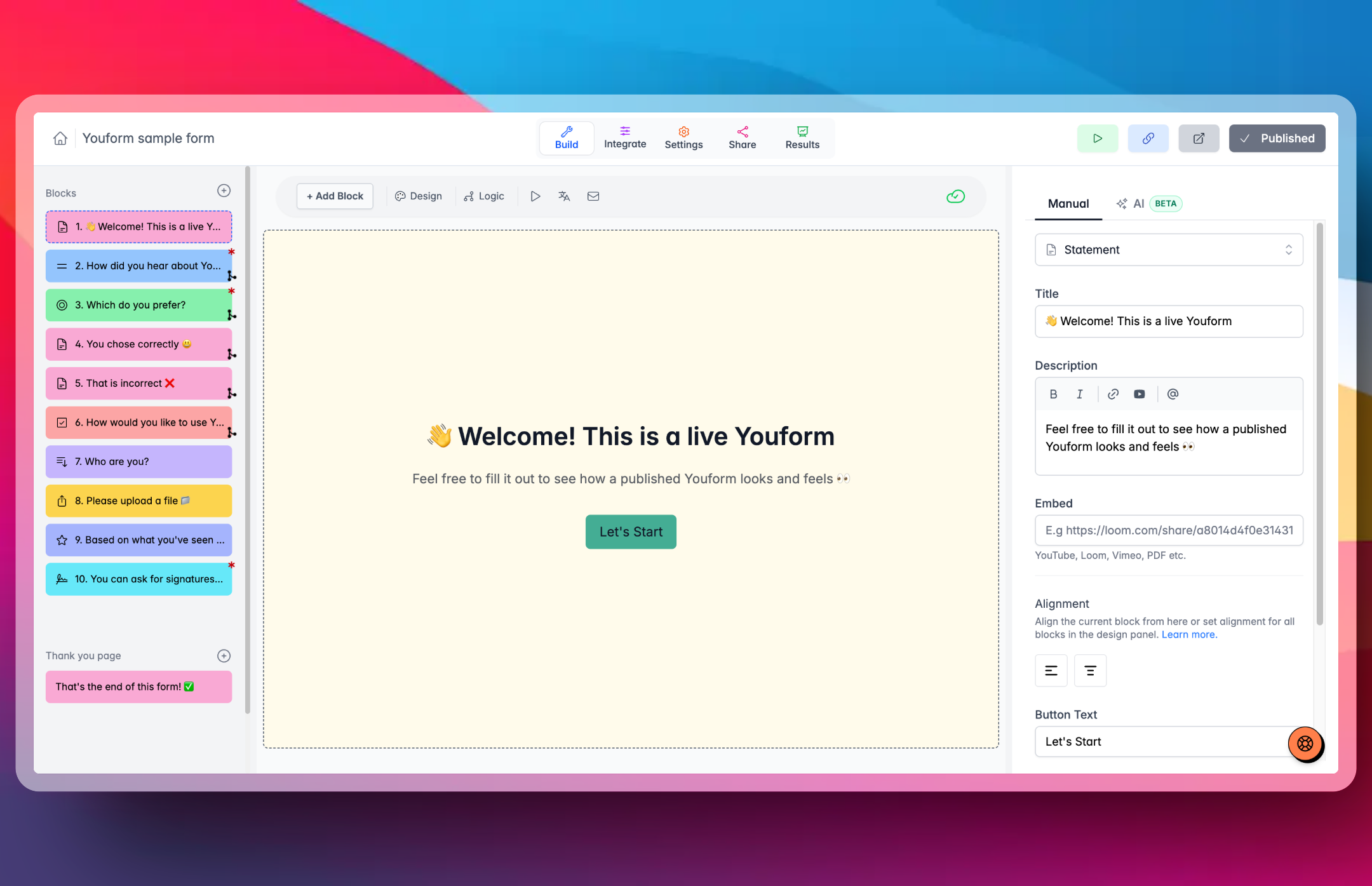
Youform lets you add questions, arrange them, and customize their settings in a visual editor. Tally uses document-style blocks and supports multi-page forms. Try both with the same questions to see which is easier for you to maintain.
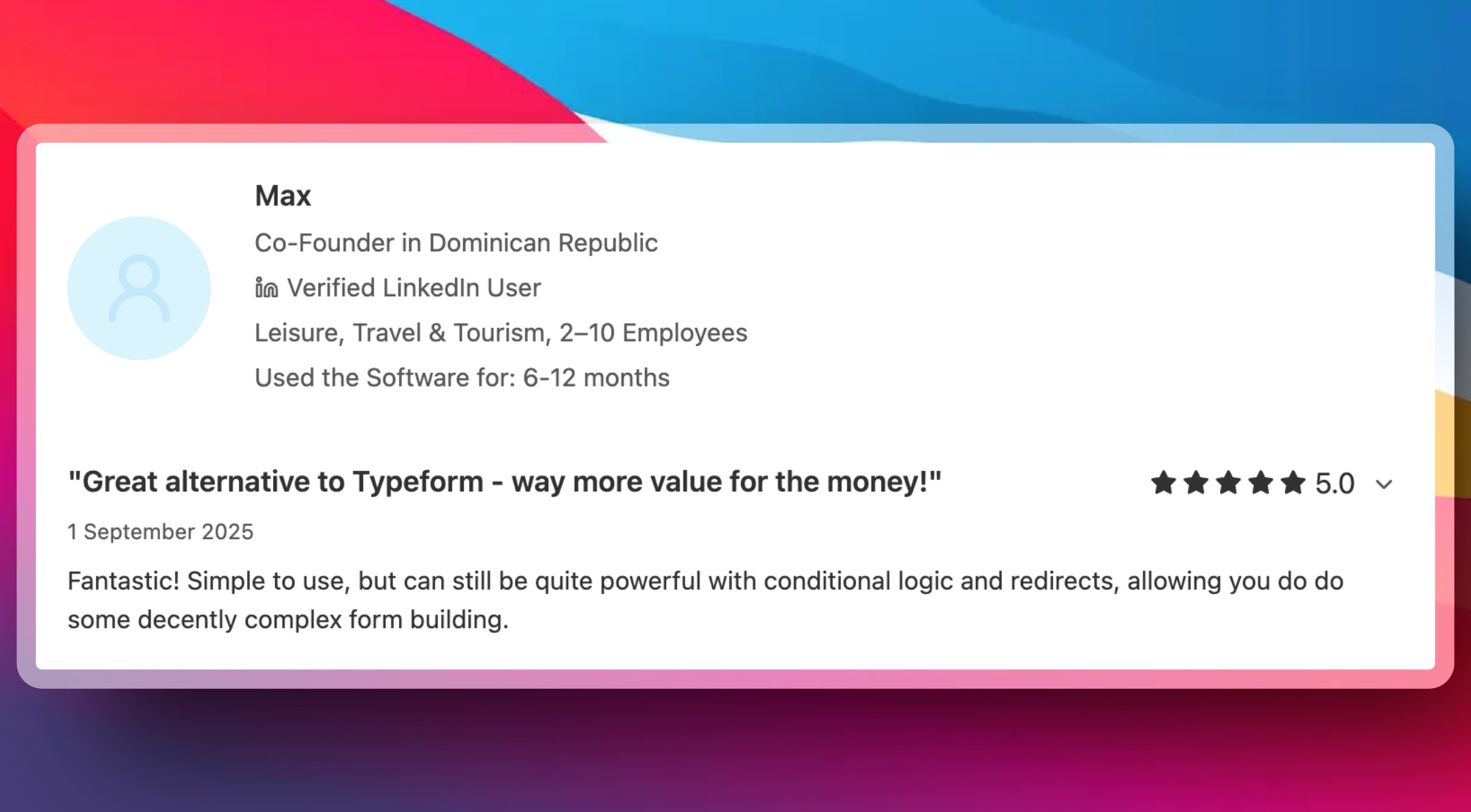
The existing customer review below describes Max’s experience using Youform. It is an individual opinion, not a head-to-head Tally test or evidence of a conversion advantage.
Try the same client intake workflow
Start with the client intake template. Keep the comparison concrete: a project enquiry with one follow-up branch and a clear next step.
- Collect the brief. Ask for a name, email, project type, and intended launch date. Use the same wording and required fields in both editors.
- Add a relevant branch. When someone chooses “Website redesign,” ask for their current website URL. Skip that question for a new site. Follow the Youform conditional-logic guide and check every path in preview.
- Plan files and booking. Youform Free supports uploads up to 10MB per file and supported scheduling blocks. If a call is the next step, use the Calendly setup guide. The calendar provider has its own account and plan requirements.
- Choose where completed answers go. Youform has direct Google Sheets and Slack connections. A CRM workflow may need Zapier and field mapping. Check Tally’s direct connections and automation options for the same destination; matching app names do not guarantee identical actions.
- Preview before replacing a live form. Check phone layout, back navigation, the branch, required fields, and the ending. Reconnect integrations and retain historical responses separately; do not assume every Tally setting transfers automatically.
This live Youform example lets you explore the respondent experience. It is separate from the client intake template above.
Open the same Youform example in a new tab.
What changes between Free, Pro, and Business?
Youform Free includes one user, logic, calculations, basic analytics, and unlimited responses within fair usage guidelines. Pro includes up to 3 team members; Business includes 5. Team access is not unlimited.
Youform Pro costs $29/month on monthly billing, or $240 paid annually (equivalent to $20/month). Business costs $89/month, or $720 paid annually (equivalent to $60/month). Annual equivalents are not monthly installments. All amounts are USD.
- Branding and analytics: Youform Pro adds branding removal, your logo, custom domains, advanced analytics, and question-level drop-off. Tally Pro includes branding removal and custom domains; review Tally’s plan details for your requirements.
- Partial submissions: both products offer partial capture on Pro. Tally requires enabling it in form settings; partial responses do not sync through integrations or trigger email notifications, and signatures are excluded. Partial capture is separate from a completed submission.
- Payments: Tally supports Stripe payments on Free without an additional Tally fee. Youform’s Stripe block requires Pro. Stripe’s charges and account requirements apply separately.
- Hosting: Tally states that all form data is stored in Europe. This does not require a paid hosting upgrade. Business retention controls are a separate feature. Review Youform’s privacy policy and ask about your hosting requirements before moving data.
When should you keep Tally?
Keep Tally if its document editor suits your team, you need its free payment collection, or an existing connection and retention workflow already meets your requirements. Try Youform if you prefer building a conversational intake and its plan fits the features you need. Neither a matching subscription price nor a similar feature name establishes full feature parity.
Can asking one question at a time improve results?
One-question-at-a-time forms can help collect more complete answers. A 2012 PLOS ONE study found about 50% less missing answer data across two experiments with online volunteers. Overall study completion was similar between formats.
Well-designed multi-step forms can also improve lead conversion. Venture Harbour reports that its enquiry-form conversion increased from 0.96% to 8.1% after a multi-step redesign. Youform gives you a conversational format to apply this approach. Track completion and answer quality to see what works for your audience.
Continue with client onboarding workflows, compare the sourced plan table, or create a free Youform account.